Brother printer repair
Brother laser printers run for years. Then one day the screen says Unable to Print and offers no further help.
We repair Brother office laser printers and multifunction machines at our Oakville shop, or on-site for larger units. Typical faults are drum and fuser problems, repeat paper jams, document feeder trouble and Unable to Print errors. You get a diagnosis and a price first, so you can compare it with the cost of replacing the printer.
On this page
- Common Brother faults
- Drum or toner?
- When to replace instead
Request this repair
What goes wrong with Brother laser printers?
- Unable to Print errors. A hardware fault. The number after it says where.
- Drum messages that won't clear. The drum is worn, or its counter wasn't reset after a swap.
- Jams at the back. Fuser or exit rollers.
- Feeder pulls several pages. Worn separation pad.
- Black marks down the page. A dirty or damaged drum.
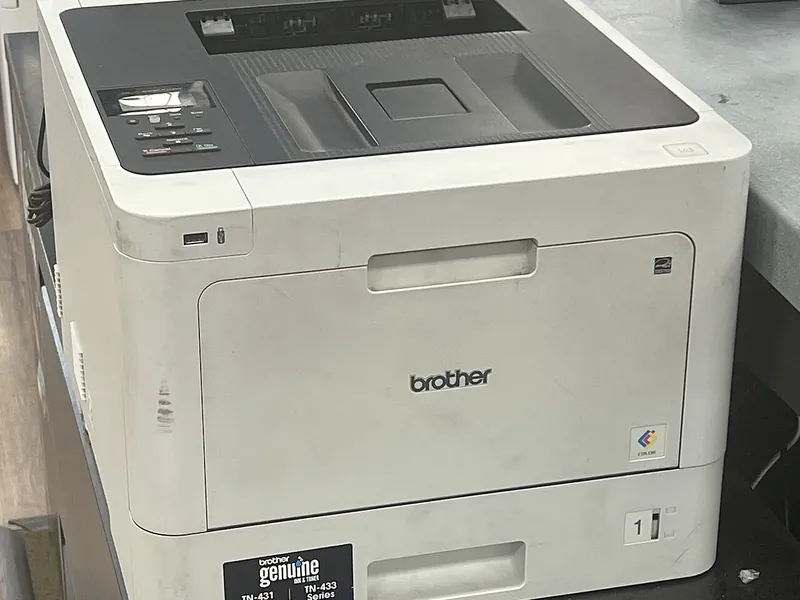

Is it the drum or the toner?
On a Brother they're two separate parts. Toner is the powder. The drum is the part that puts it on the page.
Marks that repeat at the same spacing down the page point to the drum. Pages that are faint all over point to toner.
When is a Brother printer not worth repairing?
When it's a small home model. A new one costs less than a board or a fuser plus labour.
The bigger workgroup models are a different story. Call with the model number and we'll tell you which kind you have.
Questions people ask
Can I drop my Brother printer off?
Yes, at 2526 Speers Rd., Unit 14, Oakville. Call first so we know it's coming.
Why does my Brother say Replace Drum right after I replaced it?
The drum counter has to be reset by hand after a new drum goes in. The steps are in the manual for your model.
Brother stuck on an error?
Call with the model and the full message.