Office printer repair
The office printer only gets noticed when it stops. Then nobody can send an invoice or print a label.
We repair office laser printers, multifunction machines and copiers for businesses across the GTA. Common jobs are repeat paper jams, fuser and drum faults, streaked pages and feeder problems. Floor-standing machines are repaired on-site, and desktop printers can come to our Oakville shop. You approve the price before the repair.
On this page
- The machines we fix
- When it's worth repairing
- What we don't take in
Request this repair
Which office machines do you repair?
- Laser printer repair: mono and colour laser printers, desktop and workgroup size.
- Copier repair: floor-standing copiers and multifunction machines with feeders and finishers.
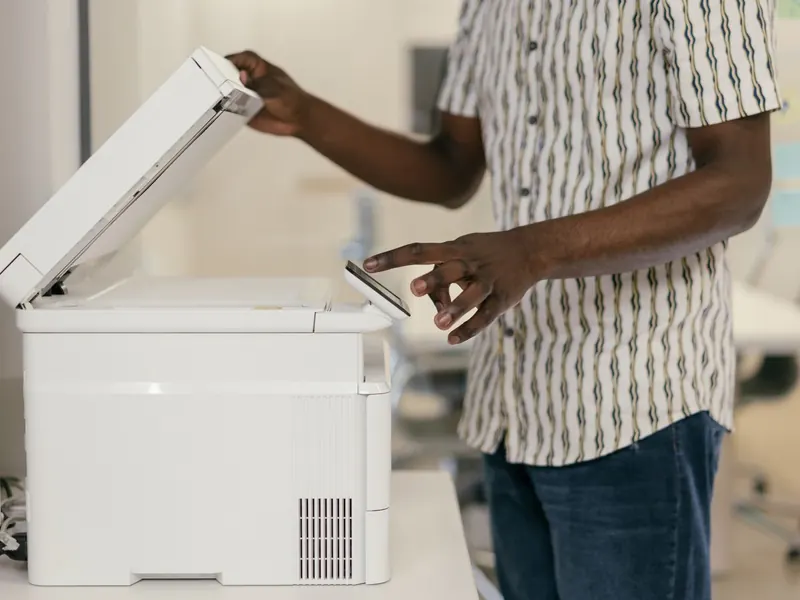
Is an office printer worth repairing?
A business-class laser printer or a copier usually is. They're built to be serviced, and the wear parts are meant to be replaced.
Here's the rule of thumb: if the repair costs more than half of a comparable replacement, replace it. We'll give you that number so you can decide.
What don't you take in?
Small home inkjets are rarely worth a repair bill, because a new one costs less than the labour.
Not sure which side your machine falls on? Call with the model number. It takes a minute.
Questions people ask
Do you come to our office?
Yes, for copiers and larger printers. Smaller machines are often faster and cheaper to drop off.
Can you fix a printer that's offline or won't connect?
If the cause is hardware, such as a failed network card or board, yes. Driver and network setup problems are usually a job for your IT person.
Do you sell toner and parts?
The shop sells supplies at imagemachines.ca.
Office printer down?
Call with the model number and the message on the screen.