Laser printer repair
A laser printer that jams every third page isn't being difficult. Something inside has worn out.
We repair mono and colour laser printers for offices across the GTA. Most faults come from parts that wear with use: the fuser, pickup rollers, transfer belt and drum. A technician finds the worn part, tells you the price, replaces it and tests the printer with real pages before it goes back to work.
On this page
- What the symptoms mean
- Parts that wear out
- Repair at your office or ours
Request this repair
What do the symptoms mean?
- Jams at the same spot every time. Worn rollers or a broken guide at that spot.
- Toner rubs off the page. The fuser isn't hot enough or its roller is damaged.
- A line or dots repeating down the page. A mark on the drum or a roller. The spacing tells us which one.
- Faded on one side. Low toner, or a transfer problem.
- A fuser or service error. The printer measured a fault and stopped.
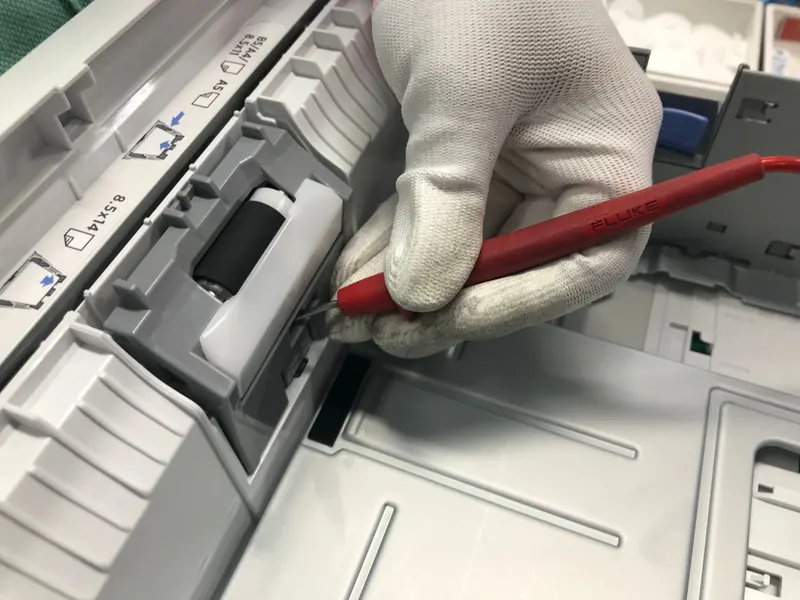
Which parts wear out on a laser printer?
The fuser, the pickup and separation rollers, the transfer belt or roller, and the drum. Makers sell these as maintenance kits for a reason.
On a busy office printer, replacing a kit on time prevents most surprise breakdowns.
Do you fix it at our office?
Larger workgroup printers, yes. A desktop laser is easy to carry, so dropping it at the Oakville shop usually saves you money.
Questions people ask
Why does my laser printer keep jamming?
Usually worn pickup rollers. The rubber goes smooth and stops gripping the paper. Damp or curled paper makes it worse.
Is a fuser error serious?
It stops the printer, but it's a standard repair. The fuser is a replaceable unit on almost every business laser printer.
Do you repair colour laser printers?
Yes. Colour machines add a transfer belt and four drums or cartridges, so the diagnosis takes a little longer.