Latex printer repair
Prints coming out wet, banded or not at all? On a latex printer the ink and the heat both have to be right.
We repair HP Latex printers on-site for print shops across the GTA. Common faults are curing and heater errors, printhead and ink delivery problems, banding and system errors at start-up. The technician reads the error history, tests the heaters and the heads, and gives you a price before replacing anything.
On this page
- How latex faults differ from other printers
- Common HP Latex problems
- What to send us
Request this repair
What makes a latex printer different to repair?
A latex printer cures the ink with heat as it prints. So a print quality problem might be ink, or it might be temperature.
That's why guessing gets expensive. A new printhead won't fix a heater that isn't reaching temperature.
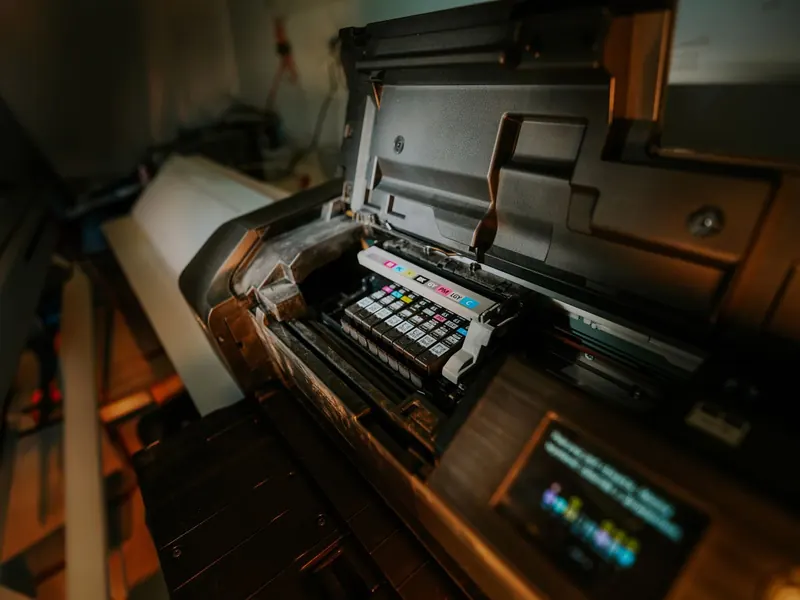
What usually goes wrong?
- Curing errors. A heater, a fan or a temperature sensor has failed.
- Banding. Clogged nozzles, a misaligned head or a media advance that's off.
- Printhead errors. A head that needs reseating, cleaning or replacing.
- Maintenance cartridge messages. Full, or not seated properly.
- System errors at start-up. The printer found a hardware fault and stopped.
What should I send with a repair request?
The model (for example Latex 315, 335 or 365), the exact error code, and what you were printing on when it started.
A photo of a bad print next to a good one is worth more than a paragraph.
Questions people ask
Can you repair a latex printer on-site?
Yes. These machines stay where they are, and the technician comes to you.
Why are my latex prints coming out oily or wet?
The ink isn't curing fully. It can be a heater problem, too much ink for the media, or the wrong media setting. A technician can tell which.