Lexmark printer repair
Lexmark lasers sit in warehouses, clinics and back offices and print all day. Then a three-digit code stops everything.
We take repair calls for Lexmark workgroup laser printers and multifunction machines from businesses across the GTA. The usual faults are service errors on the panel, fuser problems, and paper jams the printer reports again and again. Desktop models can come to the Oakville shop. Larger ones are repaired on-site, with the price given first.
On this page
- Reading a Lexmark code
- Common Lexmark faults
- Repair or replace
Request this repair
What do Lexmark error numbers mean?
Lexmark groups its codes by number. Codes in the 200s are paper jams, and the number says where in the path the paper stopped.
Codes in the 900s are service errors. Those are hardware or firmware faults, and they don't clear by opening and closing doors.
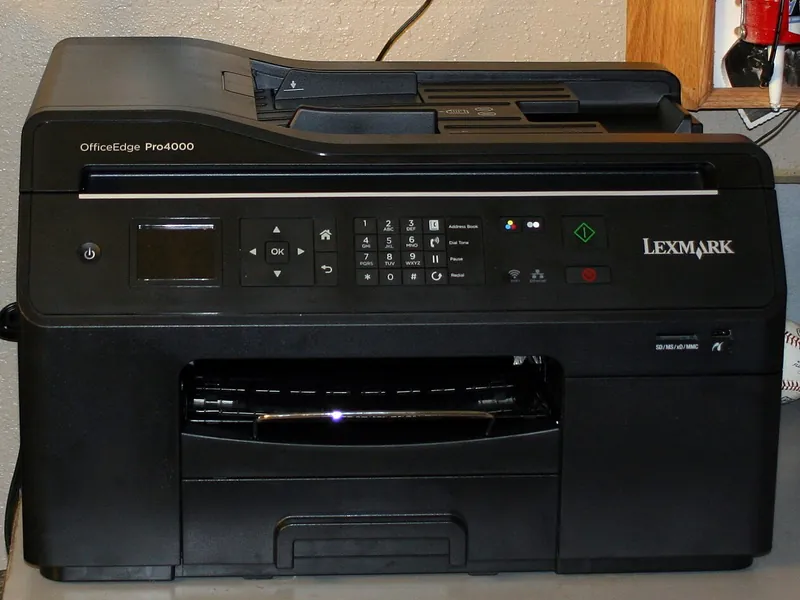

What goes wrong with Lexmark lasers?
- Fuser faults and pages that smear
- Jams reported when no paper is stuck: a worn sensor or flag
- Pickup rollers that no longer feed
- Light print or repeating marks from the imaging unit
- Multifunction models: feeder misfeeds and scan lines
Is a Lexmark worth repairing?
The workgroup models usually are. Fusers, rollers and maintenance kits are routine parts.
A small desktop model often isn't. Compare the price you're given with the cost of a new one.
Questions people ask
Can I drop a Lexmark printer off?
A desktop model, yes: 2526 Speers Rd., Unit 14, Oakville. Call first so we know it's coming.
The printer says paper jam but there's no paper. Why?
Usually a sensor or its small plastic flag is stuck or broken. It's a common fault and a small part.
Lexmark stuck on a code?
Call with the model and the number on the panel.